

Accountants and bookkeepers spend a startling amount of time on a task that adds little professional value: retyping numbers from PDF bank statements into spreadsheets. Statement conversion software for accountants exists to eliminate that bottleneck, transforming static PDF documents into clean, categorized data that flows directly into accounting platforms. As firms manage more clients with leaner teams, this category of software has moved from "nice to have" to essential infrastructure.
This article examines what statement conversion software actually does, how to evaluate the options on the market, and why accuracy, security, and integration compatibility matter more than flashy marketing claims. Whether you're a solo bookkeeper juggling a dozen clients or a finance team processing hundreds of statements monthly, understanding this technology will help you make a smarter buying decision.
What Statement Conversion Software Does
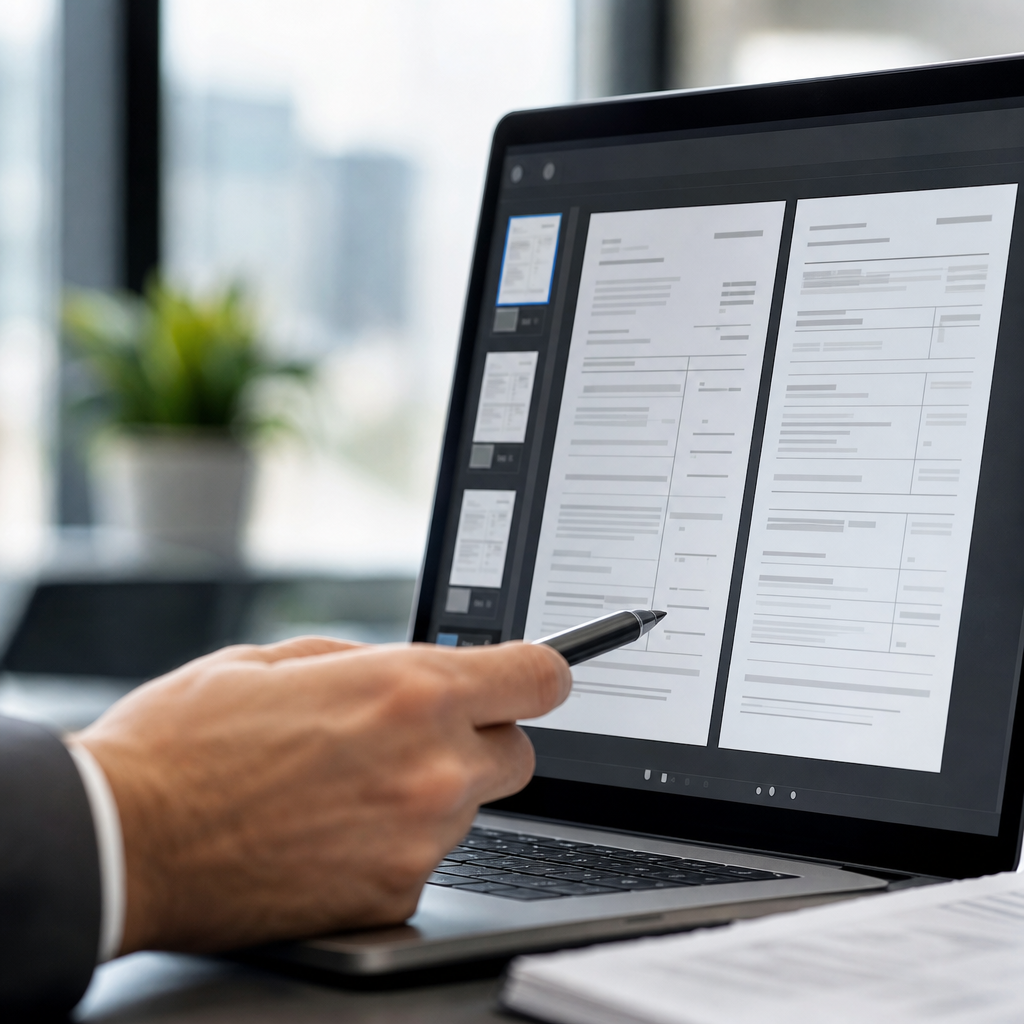
At its core, statement conversion software takes a PDF bank or credit card statement — often scanned, password-protected, or oddly formatted — and extracts the transaction data into a structured spreadsheet or accounting-ready file. Instead of manually copying dates, descriptions, and amounts line by line, the software reads the document and outputs a clean CSV, XLSX, or QBO file within seconds.
Modern tools rely on a combination of optical character recognition (OCR) and artificial intelligence to identify transaction tables, even when statements come from different banks with inconsistent layouts. According to the National Institute of Standards and Technology, OCR accuracy has improved dramatically over the past decade, but table structure recognition remains the harder technical challenge — which is why AI-based parsing outperforms basic OCR for financial documents.
Key capabilities to expect from a capable solution include:
- Automatic detection of transaction tables across multiple statement formats
- Support for multi-page and multi-account statements
- Currency and date-format normalization
- Categorization suggestions based on merchant or transaction description
- Export formats compatible with major accounting software
- Batch processing for multiple files at once
Platforms like Bank Statement Boss are built specifically around these requirements, focusing on the accuracy and formatting needs unique to bookkeeping and accounting workflows rather than generic document conversion.
Why Manual Entry No Longer Makes Sense
For decades, bookkeepers manually transcribed bank statements because there was no reliable alternative. That's no longer true, and continuing manual entry today carries real costs.
The Hidden Cost of Manual Data Entry
Manual transcription isn't just slow — it introduces error rates that compound over a busy month-end close. A study published by the Journal of Accountancy has repeatedly highlighted that manual bookkeeping errors are among the top causes of reconciliation discrepancies. Every mistyped digit or transposed number means additional time spent tracing errors during reconciliation.
Consider the layered costs:
- Direct labor time — Data entry for a single 20-page statement can take 45–90 minutes manually.
- Error correction time — Fixing mismatches during reconciliation often takes longer than the original entry.
- Opportunity cost — Hours spent on transcription are hours not spent on advisory work, tax planning, or client relationships.
- Client trust risk — Recurring errors erode client confidence in the accuracy of financial statements.
Where Automation Changes the Equation
Automated statement conversion doesn't just save time — it changes what bookkeepers and small firms are capable of taking on. A solo bookkeeper who once managed 15 clients comfortably can often manage 25–30 once statement processing is automated, since the bottleneck task is removed from the workflow entirely. This is a major reason accounting-focused conversion tools have grown so quickly in adoption over the last few years, a trend also tracked by industry publications like Accounting Today in their coverage of automation in small firm workflows.
Core Features to Look For
Not all statement conversion tools are created equal. Some are general-purpose PDF-to-Excel converters repurposed for financial use; others are purpose-built for accounting workflows. The distinction matters.
| Feature | Generic PDF Converter | Accounting-Focused Software (e.g., Bank Statement Boss) |
|---|---|---|
| Recognizes bank-specific statement layouts | Rarely | Yes, trained on multiple bank formats |
| Outputs QuickBooks/Xero/Sage-ready files | No | Yes |
| Handles multi-page, multi-account statements | Limited | Yes |
| Transaction categorization | No | Often included |
| Bulk/batch processing | Rarely | Yes |
| API access for integration | No | Available on higher-tier plans |
| Data security controls for financial documents | Basic | Enterprise-grade encryption and retention policies |
When evaluating a tool, prioritize these features:
- Format fidelity — Does the output preserve transaction order, correct decimal placement, and consistent date formats?
- Bank coverage — Can it handle statements from regional banks and credit unions, not just the largest national banks?
- Accounting software compatibility — Does the exported file import cleanly into QuickBooks Online, Xero, or Sage without manual remapping?
- Batch capability — Can you upload dozens of statements at once for a busy month-end period?
- Support for scanned or image-based PDFs — Some statements are scanned copies rather than digitally generated PDFs, which requires stronger OCR.
Bank Statement Boss was designed around exactly these priorities, offering formatting compatible with the accounting platforms bookkeepers already use daily, which removes an entire step of manual remapping after conversion.
Security and Compliance Considerations
Bank statements contain some of the most sensitive data a firm handles — account numbers, balances, transaction histories, and sometimes personally identifiable information. Choosing statement conversion software without scrutinizing its security posture is a serious risk.
What to Verify Before Uploading Client Data
- Encryption in transit and at rest — Files should be encrypted using industry-standard protocols such as TLS 1.2+ and AES-256, consistent with guidance from the Cybersecurity and Infrastructure Security Agency.
- Data retention policy — Understand whether files are deleted after processing or retained, and for how long.
- Access controls — Does the platform support role-based access if multiple staff members use the same account?
- Compliance posture — Look for alignment with frameworks like SOC 2 or ISO 27001, which indicate independently verified security practices.
- Vendor transparency — A reputable vendor should publish a clear privacy policy explaining exactly how uploaded documents are used and stored.
The Federal Trade Commission offers guidance for businesses handling consumer financial data, and it's worth holding any conversion vendor to that same standard, even if they're a third-party SaaS tool rather than a bank itself.
Bank Statement Boss addresses this directly by building secure data handling into its core architecture, an essential requirement for accountants who have a fiduciary responsibility to protect client information.
Comparing Conversion Methods: Manual, OCR-Only, and AI-Powered
It helps to understand the technology landscape before choosing a tool, since not all "conversion software" uses the same underlying approach.
| Method | Speed | Accuracy on Complex Layouts | Typical Use Case |
|---|---|---|---|
| Manual entry | Very slow | High (if careful), but error-prone at scale | Very small volume, one-off statements |
| Basic OCR software | Fast | Moderate — struggles with tables and columns | Simple, single-column documents |
| AI-powered conversion | Fast | High — trained to recognize table structures and bank-specific formats | Bank and credit card statements, bulk processing |
Basic OCR reads text but doesn't inherently understand table structure, which is why it often misaligns columns on complex bank statements — mixing up debit and credit amounts, for example. AI-powered systems are trained specifically to recognize the visual patterns of financial tables, resulting in significantly higher fidelity for this use case. For a deeper technical comparison of these approaches, the Association for Computing Machinery has published research on document layout analysis that outlines why table-aware models consistently outperform simple text-extraction OCR.
For accountants, this distinction has real consequences: an error in column alignment can cause an entire reconciliation to fail, requiring the same manual review the software was meant to eliminate.
Integration With Accounting Platforms
A statement conversion tool is only as useful as its ability to plug into your existing workflow. Accountants rarely want a standalone spreadsheet — they want data that flows into the software they already use for bookkeeping and reporting.
Common Integration Needs
- QuickBooks Online / Desktop — Requires properly formatted CSV or QBO files with correctly mapped columns for date, description, and amount.
- Xero — Prefers CSV files with a specific column structure for bank statement imports.
- Sage — Often requires specific date formatting and currency handling to avoid import errors.
- Excel/Google Sheets — Useful for firms that maintain custom reconciliation templates outside a formal accounting platform.
Why Format Compatibility Saves Real Time
Without proper formatting, a converted file might import successfully but land in the wrong fields, silently corrupting reports until someone catches the discrepancy weeks later. This is one of the most overlooked risks in the category: conversion accuracy and import compatibility are two separate problems, and a tool can solve one without solving the other.
This is precisely why Bank Statement Boss builds its export formatting around the specific requirements of QuickBooks, Xero, and Sage rather than offering a single generic spreadsheet output. For firms working across multiple clients who each use different accounting software, this flexibility avoids the need for a separate reformatting step for every export.
Evaluating ROI for Your Firm or Business
Adopting new software requires justifying the cost, and statement conversion tools are no exception. The math, however, tends to favor automation quickly once volume is factored in.
A Simple ROI Framework
- Estimate current manual processing time per statement. Most bookkeepers report 30–90 minutes per multi-page statement.
- Multiply by volume. A firm processing 50 statements a month at an average of one hour each spends 50 hours monthly on transcription alone.
- Assign an hourly cost. Even at a modest $35/hour billing rate, that's $1,750 in labor cost monthly — or opportunity cost if that time could be billed for advisory work instead.
- Compare to software subscription cost. Most statement conversion tools, including tiered plans like those offered by Bank Statement Boss, cost a fraction of that monthly labor estimate.
- Factor in error reduction. Fewer reconciliation errors mean fewer hours spent on corrections and client back-and-forth.
| Volume (statements/month) | Est. Manual Hours | Est. Labor Cost (@$35/hr) | Typical Software Cost Range |
|---|---|---|---|
| 10 | 10 hrs | $350 | $20–$40/month |
| 50 | 50 hrs | $1,750 | $50–$100/month |
| 200+ | 200+ hrs | $7,000+ | Custom/API-tier pricing |
Even at low volume, the time savings alone typically justify the subscription cost within the first month. At higher volumes — the kind many bookkeeping firms and finance teams handle — the return on investment becomes difficult to ignore.
Choosing the Right Plan Tier
Most statement conversion platforms, including Bank Statement Boss, offer tiered plans based on volume and feature access. Understanding which tier fits your needs prevents both overpaying and hitting frustrating usage limits mid-month.
Questions to Ask When Selecting a Plan
- How many statements or pages do you process in a typical month?
- Do you need API access to integrate conversion directly into your own internal software or client portal?
- Do multiple team members need simultaneous access?
- Do you need priority processing speed during month-end or tax season crunch periods?
- Will you need historical statement batches processed occasionally, or is this an ongoing monthly need?
Freelance bookkeepers with a handful of clients often do well on entry-level plans, while finance teams or bookkeeping firms managing many clients typically benefit from higher tiers that include API access — allowing statement conversion to be embedded directly into their own internal tools or client-facing dashboards. This kind of flexibility is particularly valuable for firms that want to offer clients a fully automated bookkeeping pipeline without manual handoffs at the document stage.

Best Practices for Implementing Conversion Software in Your Workflow
Even the best software delivers limited value if it's bolted onto a messy process. A few implementation practices help firms get the most out of statement conversion tools.
- Standardize your intake process. Request statements in PDF format directly from clients rather than screenshots or printed scans when possible, since cleaner source files produce cleaner conversions.
- Batch process during predictable windows. Rather than converting statements as they trickle in, set a weekly or month-end batch schedule to process everything at once.
- Spot-check outputs periodically. Even highly accurate AI tools benefit from occasional manual verification, particularly for unusual statement formats or new client banks.
- Train staff on the export mapping. Make sure your team understands how converted files map into your accounting platform's import fields to avoid misclassification.
- Document your workflow. A simple SOP for statement conversion, from client upload to reconciliation, keeps the process consistent as your team grows.
Firms that treat statement conversion as a formal part of their workflow — rather than an ad hoc tool used inconsistently — see the largest gains in both time savings and accuracy.
Final Thoughts
Statement conversion software for accountants has shifted from a convenience to a competitive necessity. Firms and finance teams that still rely on manual transcription are spending hours on work that adds no strategic value, while exposing themselves to higher error rates and slower month-end closes. The right software instead turns PDF statements into accounting-ready data in minutes, with formatting built for the platforms accountants already use.
Bank Statement Boss was built specifically for this problem — converting PDF bank and credit card statements into clean, structured spreadsheets formatted for QuickBooks, Xero, and Sage, backed by secure data handling and API access for firms that need deeper integration. For small business owners, freelance accountants, bookkeepers, and finance teams looking to reclaim hours each month and reduce reconciliation errors, Bank Statement Boss offers a practical, purpose-built path away from manual data entry and toward a faster, more reliable close.
Article written by FrontRank