

Every small business owner, bookkeeper, or freelance accountant eventually hits the same wall: a folder full of PDF bank statements that need to become clean, usable data. Manually retyping transactions into a spreadsheet is slow, error-prone, and frankly a waste of billable hours. The right software to organize bank statements can cut that process from hours to minutes — but pricing, accuracy, and feature sets vary wildly across the market.
This article breaks down what these tools actually cost, how they compare, and what to look for before you commit to a subscription. We'll also show where bankstatementboss.com fits into the picture for teams that need accounting-ready output without the manual cleanup.
Why Bank Statement Organization Software Matters in 2026
Bank statements are still overwhelmingly distributed as PDFs — a format designed for human reading, not data extraction. When you're reconciling accounts, preparing taxes, or feeding numbers into QuickBooks or Xero, that PDF format becomes a liability. According to the IRS recordkeeping guidelines, businesses are required to maintain accurate financial records, and manual transcription introduces exactly the kind of transposition errors auditors flag.
The shift toward AI-powered document conversion has accelerated because:
- Remote bookkeeping teams need standardized data formats across multiple clients.
- Accounting platforms increasingly expect structured CSV or OFX imports rather than manual entry.
- Error rates from manual data entry can run as high as 1% per keystroke field, according to data entry studies cited by the American Institute of CPAs.
- Time saved on data entry translates directly into billable capacity for accounting firms.
What to Look for in Bank Statement Organizing Software
Not all conversion tools are created equal. Before comparing specific products, it helps to understand the criteria that actually matter for daily use.
- Accuracy of OCR and data extraction — especially with scanned or low-resolution PDFs.
- Output format compatibility — CSV, Excel, QBO, OFX, or direct API delivery into platforms like QuickBooks, Xero, or Sage.
- Security and data handling — encryption standards, data retention policies, and SOC 2 or similar compliance.
- Batch processing capability — can it handle multiple statements or multiple bank formats at once?
- Pricing transparency — per-page, per-document, or subscription-based models.
- Customer support and onboarding — particularly important for firms managing many clients.
Tools that check all six boxes tend to be the ones bookkeeping professionals stick with long-term, rather than bouncing between free trials.
Comparing Popular Bank Statement Conversion Tools
The table below compares general categories of software available in 2026, based on publicly listed pricing and typical feature sets. Exact pricing changes frequently, so always confirm current rates directly with vendors.
| Tool Type | Typical Monthly Cost | Output Formats | Best For | Accuracy Range |
|---|---|---|---|---|
| Free online converters | $0 | CSV, basic Excel | Occasional, single-statement use | 70–85% |
| Mid-tier SaaS converters | $15–$40 | CSV, Excel, QBO | Freelancers, small businesses | 90–97% |
| AI-powered platforms (e.g., Bank Statement Boss) | $20–$80 | CSV, Excel, QBO, OFX, API | Bookkeepers, accounting firms | 97–99%+ |
| Manual outsourcing services | $50–$200+ per batch | Varies | One-off large projects | 95–99% (human-reviewed) |
| Enterprise document automation suites | $200+ | Custom integrations | Large finance teams | 98%+ |
As the table shows, there's a clear tradeoff between cost and reliability. Free tools are fine for a single statement here and there, but they tend to struggle with multi-column layouts, foreign currency formatting, or statements from less common banks. Mid-tier and AI-powered platforms close that gap significantly, which is why they've become the default choice for professionals managing recurring client work.
Feature Comparison: What Separates Basic Tools from Professional-Grade Software
Price alone doesn't tell the whole story. Here's a feature-level comparison that reflects what bookkeepers and finance teams actually need day to day.
| Feature | Basic Converter | Professional Software (e.g., Bank Statement Boss) |
|---|---|---|
| Multi-bank template recognition | Limited | Extensive, continuously updated |
| QuickBooks/Xero/Sage-ready formatting | Rarely | Standard |
| API access for automation | No | Yes (higher-tier plans) |
| Bulk statement upload | No | Yes |
| Data encryption in transit and at rest | Sometimes | Standard |
| Dedicated support for accounting firms | No | Yes |
| Duplicate transaction detection | No | Yes |
This is the key distinction for anyone doing this work professionally: a basic converter gets you from PDF to spreadsheet, but a professional-grade tool gets you from PDF to import-ready data that drops straight into your accounting software without reformatting. For a deeper look at how this process works end-to-end, bankstatementboss.com outlines the full conversion workflow from upload to export.
Step-by-Step: How to Organize Bank Statements With Software
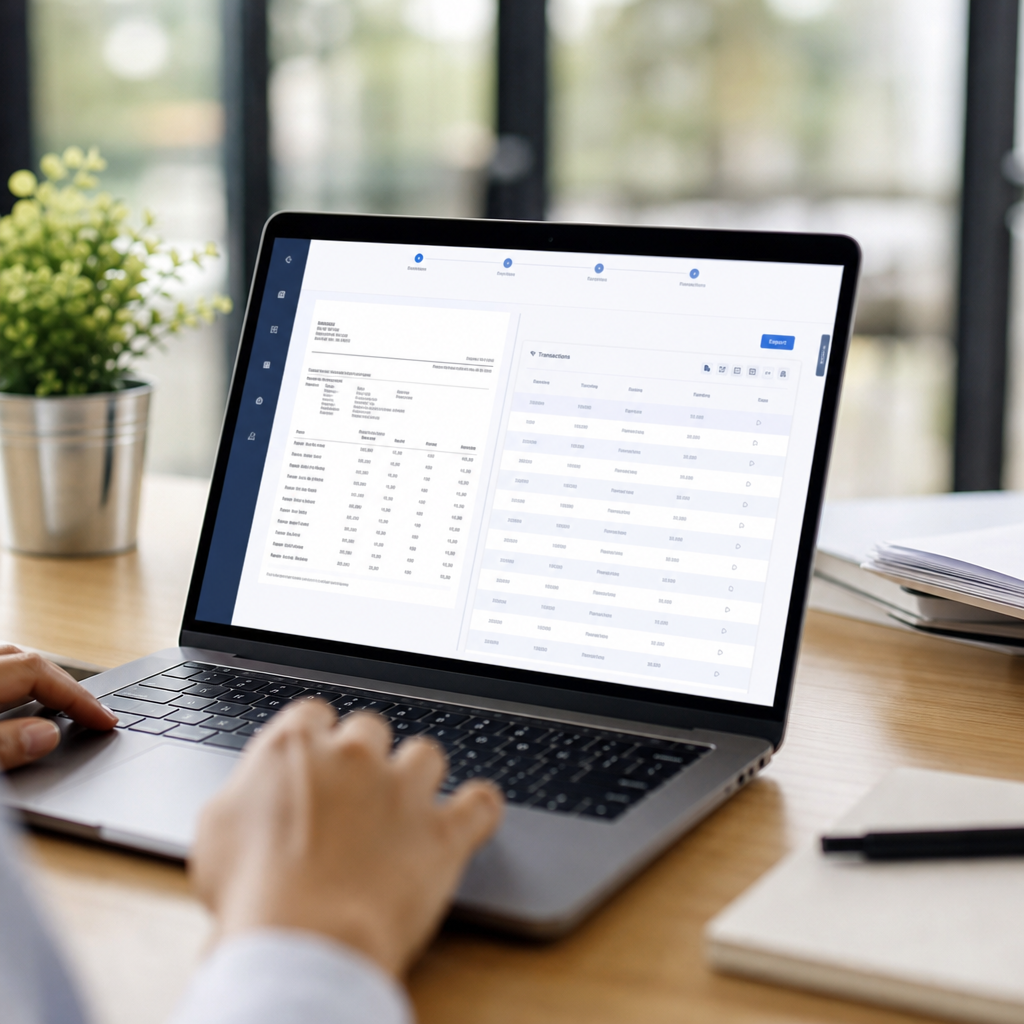
If you're switching from manual entry or spreadsheets to a dedicated tool, the workflow typically looks like this:
- Gather your statements. Collect PDFs from all relevant accounts and credit cards for the period you're reconciling.
- Upload to your chosen platform. Most tools support drag-and-drop or bulk upload for multiple files at once.
- Let the AI extract transaction data. This includes dates, descriptions, amounts, and running balances.
- Review flagged items. Good software will highlight low-confidence extractions (blurry scans, unusual formatting) for manual confirmation.
- Choose your export format. Select CSV, Excel, QBO, or OFX depending on your accounting platform.
- Import directly into QuickBooks, Xero, or Sage. Many platforms, including Bank Statement Boss, format output specifically to match each platform's import requirements.
- Reconcile and archive. Keep both the original PDF and converted file for audit trail purposes.
Following this process consistently is what separates teams that spend 10 minutes per statement from those still spending hours. The National Federation of Independent Business has noted that administrative burden, including bookkeeping, remains one of the top time drains for small business owners — software like this directly addresses that pain point.
Security Considerations When Choosing Bank Statement Software
Because bank statements contain sensitive financial information, security can't be an afterthought. When evaluating any software to organize bank statements, confirm the following:
- Encryption standards: Look for AES-256 encryption at rest and TLS in transit, which is considered industry standard per NIST guidelines.
- Data retention policy: Does the provider delete uploaded files after processing, or store them indefinitely?
- Access controls: Can you restrict who on your team can view or download converted files?
- Compliance certifications: SOC 2 Type II or similar third-party audits add credibility.
- API security: If you're using API access for automated workflows, confirm token-based authentication and rate limiting.
Bank Statement Boss, for example, emphasizes secure data handling as a core part of its platform, which matters significantly for bookkeepers handling statements from multiple clients simultaneously. If you're also managing client communications and want to streamline outreach alongside your document workflows, services like leadmailbox.com can help centralize that side of operations.
Pricing Models Explained: Per-Page vs. Subscription
One of the most confusing parts of shopping for this software is the variety of pricing structures. Here's a breakdown of the most common models:
Per-page or per-document pricing
- Pay only for what you convert.
- Good for occasional users or very small volume.
- Can get expensive quickly for firms processing dozens of statements monthly.
Flat monthly subscription
- Unlimited or high-volume conversions for a fixed fee.
- Predictable budgeting for bookkeeping firms.
- Often includes additional features like API access or priority support at higher tiers.
Tiered plans based on volume or features
- Entry-level plans for individuals or freelancers.
- Mid-tier plans for small accounting practices.
- Enterprise plans with API access, dedicated account management, and custom integrations.
For most freelance bookkeepers and small accounting firms, a tiered subscription model tends to offer the best balance of cost control and scalability — you're not overpaying during slow months, but you have room to grow into higher tiers as client volume increases.

Common Mistakes When Choosing Statement Organization Software
Even experienced finance professionals make avoidable mistakes when selecting a tool. Watch out for these pitfalls:
- Ignoring export format compatibility. A tool that only exports generic CSV may still require manual reformatting before QuickBooks or Xero will accept it.
- Underestimating volume needs. Choosing a per-page plan when you're processing hundreds of statements monthly can cost more than a flat subscription.
- Skipping the security review. Uploading sensitive financial documents to a platform without clear data handling policies is a real risk.
- Not testing with real, messy data. Clean sample PDFs look great in demos; test with an actual scanned or lower-quality statement before committing.
- Overlooking customer support availability. When a conversion error affects a client deadline, responsive support matters.
- Failing to check batch processing limits. Some tools cap the number of pages or files per upload, which slows down larger jobs.
Avoiding these mistakes upfront saves both money and frustration down the line, especially for firms managing recurring monthly reconciliations across multiple clients.
Frequently Asked Questions
Is it safe to upload bank statements to online conversion software? Reputable providers use encryption and clear data retention policies. Always review a platform's security documentation, and favor providers that state explicitly how long files are stored and whether they're deleted after processing.
Can this software handle statements from any bank? Most professional-grade tools support major banks and credit unions, with templates continuously updated as formats change. Less common or international banks may require manual review for the first conversion.
Will the output work directly in QuickBooks or Xero? Platforms built specifically for accounting workflows, including Bank Statement Boss, format exports to match QBO, CSV, or OFX import requirements, minimizing manual cleanup.
How much time does this actually save? Bookkeepers report cutting data entry time from several hours per client to under 15 minutes per statement batch when using automated conversion tools, according to industry workflow case studies.
Final Thoughts on Choosing the Right Software
Organizing bank statements doesn't need to be a recurring drain on your time or your team's billable hours. Whether you're a solo freelancer handling a handful of clients or a finance team processing hundreds of statements monthly, the right software pays for itself quickly through time saved and errors avoided. Prioritize accuracy, export compatibility, and security over the lowest sticker price — a cheap tool that produces unusable output isn't actually saving you anything.
For teams ready to move away from manual entry entirely, bankstatementboss.com offers AI-powered conversion built specifically for accounting workflows, with formatting compatible with QuickBooks, Xero, and Sage, plus API access for firms that want to automate the process further. Combined with secure data handling, it's designed to meet the exact needs outlined throughout this comparison — accurate, fast, and ready for your books.
Article written by FrontRank