

Every bookkeeper knows the drill: a client emails a stack of PDF bank statements, and suddenly your afternoon disappears into copy-pasting transactions into a spreadsheet. In 2026, with dozens of digitization tools on the market, there's no reason bookkeeping should still involve manual re-typing. But not all solutions are created equal, and choosing the wrong one can cost more time than it saves.
This article compares three common approaches to digitizing bank statement data — manual entry, generic OCR software, and purpose-built bookkeeping software for bank statements — so you can decide which fits your workflow, budget, and accuracy requirements.
Why Bank Statement Data Entry Is Still a Bottleneck
Despite the rise of open banking APIs and direct bank feeds, a huge percentage of financial data still arrives as PDFs. Clients download statements from banks that don't support integrations, credit unions with limited API access, or international institutions that simply don't offer feeds compatible with U.S. accounting platforms. According to the American Institute of CPAs, data entry and reconciliation remain among the most time-consuming tasks for small accounting practices, often consuming 20-30% of billable hours during peak season.
The problem compounds when:
- Statements come in inconsistent formats across dozens of banks
- Multi-page PDFs contain hundreds of transactions per client
- Formatting doesn't match the columns required by QuickBooks, Xero, or Sage
- Manual retyping introduces transposition errors that break reconciliation
This is where bookkeeping software for bank statements — tools designed specifically to parse, clean, and export transaction data — has become essential infrastructure rather than a nice-to-have.
Manual Entry: The Baseline Everyone Wants to Escape
Manual entry is still the default for many small firms, mostly because it requires no new software and no learning curve. But the hidden costs are significant.
Pros of manual entry:
- No subscription cost
- No learning curve
- Full control over formatting decisions
Cons of manual entry:
- Extremely time-intensive — often 15-30 minutes per statement
- High error rate from fatigue-driven transposition mistakes
- Doesn't scale during tax season or month-end close
- No audit trail for how data was transcribed
- Difficult to outsource without exposing sensitive financial data
For a solo bookkeeper handling two or three clients, manual entry might be tolerable. But for firms managing dozens of accounts, or finance teams closing books monthly across multiple entities, manual transcription becomes the single biggest drag on productivity. The Journal of Accountancy has repeatedly highlighted automation as the top lever for improving margins in bookkeeping practices, precisely because labor-intensive data entry doesn't scale with client growth.
Generic OCR Tools: A Partial Fix With Real Limitations
Optical character recognition (OCR) software has been around for decades, and many bookkeepers have tried repurposing general-purpose OCR tools — the kind built for scanning contracts or invoices — to handle bank statements. The results are usually mixed.
Generic OCR tools typically extract raw text from a PDF but don't understand the structure of a bank statement: which numbers are debits, which are credits, what constitutes a running balance, or how to separate transaction descriptions from dates. This means the output usually still requires significant manual cleanup.
| Feature | Generic OCR Software | Purpose-Built Bank Statement Tool |
|---|---|---|
| Recognizes transaction structure | No | Yes |
| Formats for QuickBooks/Xero/Sage | No | Yes |
| Handles multi-page statements | Partial | Yes |
| Accuracy on scanned/low-quality PDFs | Low-Medium | High |
| Requires manual cleanup after export | Almost always | Rarely |
| API access for batch processing | Rare | Often available |
Generic OCR can work in a pinch for a single clean statement, but as soon as you're dealing with dozens of clients, multiple banks, and varying statement layouts, the cleanup work erodes most of the time savings. This is the core reason purpose-built bookkeeping software for bank statements has gained traction — it's engineered specifically around the quirks of financial statement formatting rather than generic document text.
What Purpose-Built Bank Statement Software Does Differently
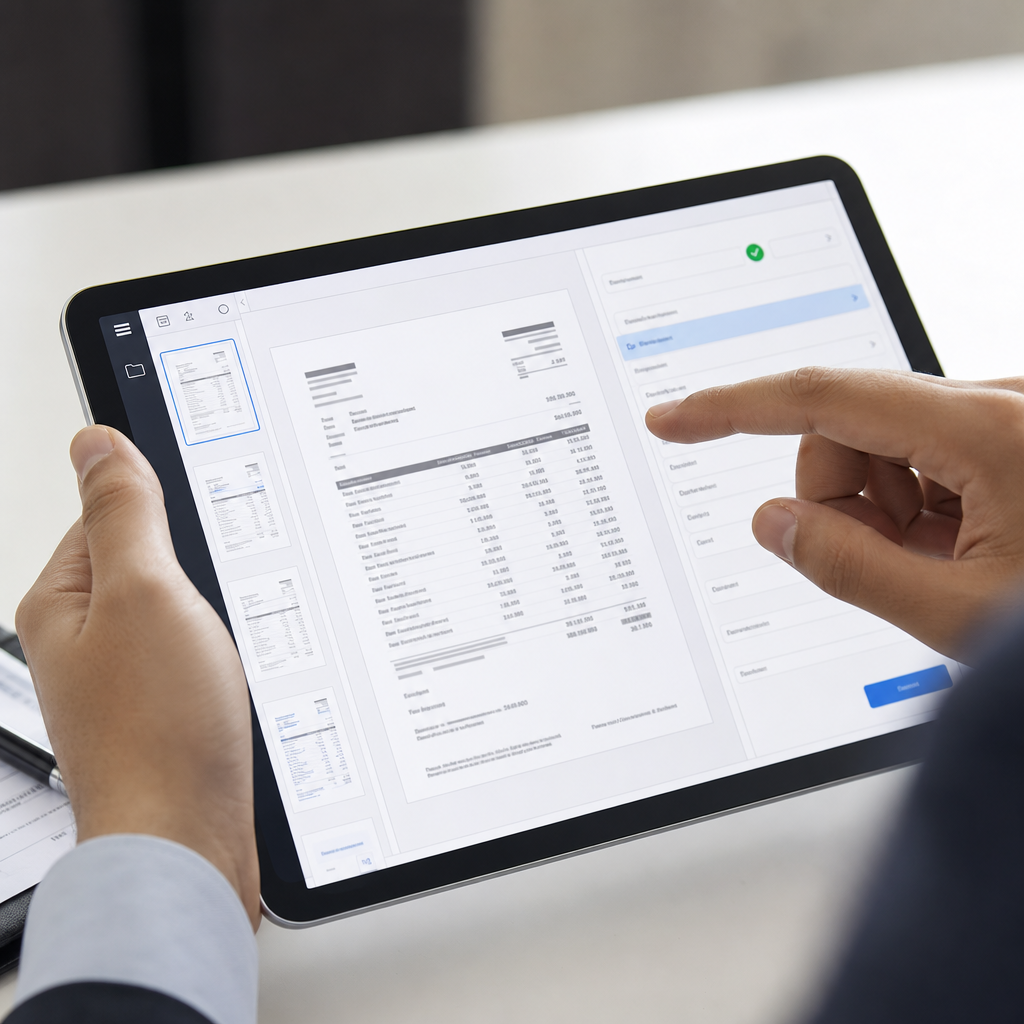
Tools built specifically for financial document conversion — like Bank Statement Boss — are trained on the specific structure of bank and credit card statements. Instead of just extracting raw text, they identify:
- Transaction dates and align them with the correct fiscal format
- Debit and credit columns, even when banks use inconsistent labeling
- Running balances, so totals can be validated automatically
- Multi-account statements, splitting data by account number when needed
- Vendor or payee descriptions, cleaned of extraneous bank codes
The output isn't just "readable" — it's structured to drop directly into accounting software. Bank Statement Boss, for example, converts PDF statements into spreadsheets formatted for QuickBooks, Xero, and Sage, which eliminates the reformatting step that eats up so much time when using generic tools.
Key Capabilities to Look For
When evaluating bookkeeping software for bank statements, these are the features that separate genuinely useful tools from marketing fluff:
- Format compatibility — Does it export directly into your accounting platform's required CSV/XLSX structure?
- Accuracy on scanned documents — Not just digital PDFs, but photographed or scanned statements too.
- Batch processing — Can it handle 50 statements at once, or only one at a time?
- Security and compliance — Is data encrypted in transit and at rest? Is there a clear data retention policy?
- API access — For firms wanting to build automated pipelines into their practice management software.
- Multi-bank support — Does it recognize formatting differences between major banks and smaller regional institutions?
Comparing the Three Approaches Side-by-Side
To make the decision concrete, here's how the three methods stack up across the factors that matter most to bookkeepers and finance teams.
| Criteria | Manual Entry | Generic OCR | Bank Statement Software (e.g. Bank Statement Boss) |
|---|---|---|---|
| Time per 3-page statement | 20-30 min | 10-15 min + cleanup | 1-3 min |
| Error rate | Moderate-High | Moderate | Low |
| Learning curve | None | Low | Low |
| Accounting software compatibility | Manual formatting needed | Manual formatting needed | Built-in |
| Scalability for multiple clients | Poor | Fair | Strong |
| Data security controls | Depends on handler | Varies by provider | Encrypted, policy-driven |
| Cost | Free (time cost only) | Low-Moderate | Low-Moderate (tiered) |
The time savings alone often justify the switch. A firm processing 100 statements a month could save roughly 30-40 hours by moving from manual entry to a dedicated conversion tool — time that can be redirected toward advisory services or additional client capacity.
Security Considerations When Digitizing Financial Documents
Because bank statements contain sensitive account numbers, balances, and personally identifiable information, security has to factor into any software decision — not just speed or accuracy. Before adopting any tool, bookkeepers and finance teams should confirm:
- Data is encrypted both in transit (TLS) and at rest
- The provider has a documented data retention and deletion policy
- Access controls and audit logs exist for multi-user teams
- The vendor complies with relevant frameworks, such as SOC 2 or equivalent standards
Firms that handle particularly sensitive financial data sometimes also work with dedicated security auditors or consultants — for example, firms like nexussecurityserviceses.com specialize in evaluating data handling practices for financial service providers, which can be a useful step for firms with strict compliance requirements or larger client rosters. Combining a secure document conversion tool with an independent security review gives both the firm and its clients extra confidence that sensitive financial data isn't being mishandled at any stage of the pipeline.
Bank Statement Boss addresses this directly by encrypting uploaded documents and offering clear data handling policies, which matters for bookkeepers who are themselves accountable to clients for data stewardship. For a deeper look at how document security intersects with financial workflows, the National Institute of Standards and Technology publishes widely referenced guidance on data protection frameworks applicable to financial technology providers.

Pricing Models: What Should You Expect to Pay?
Pricing for bookkeeping software for bank statements typically follows a tiered model based on volume and features. Here's a general breakdown of what firms can expect across the market in 2026:
| Tier | Typical Monthly Cost | Statements Included | Best For |
|---|---|---|---|
| Free / Trial | $0 | 3-10 statements | Testing accuracy before committing |
| Starter | $15-$29 | 25-50 statements | Solo bookkeepers, freelancers |
| Professional | $49-$99 | 100-300 statements | Small firms, growing practices |
| Enterprise / API | Custom pricing | Unlimited / API-based | Finance teams, high-volume firms |
Firms with fluctuating volume — busy during tax season, quieter the rest of the year — should look for providers offering flexible or pay-as-you-go options rather than locking into a single annual plan. It's also worth checking whether overage statements are billed per-document or require an upgrade to the next tier, since this can meaningfully affect costs during peak months.
Choosing the Right Fit for Your Workflow
Not every practice needs the same setup. Here's a practical way to think about which option fits your situation:
- Solo bookkeeper with a handful of clients: A starter-tier bank statement conversion tool likely pays for itself within the first month through time savings alone.
- Growing firm handling multiple banks and formats: Look for software with strong multi-bank recognition and batch processing, since inconsistent statement layouts are the main cause of OCR errors.
- Finance team at a mid-size company: API access becomes valuable here, allowing statement conversion to plug directly into existing reconciliation or ERP workflows.
- Firms with strict compliance obligations: Prioritize encryption, audit logs, and vendor transparency over marginal accuracy gains, and consider a third-party security review if handling especially sensitive accounts.
Regardless of size, the underlying goal is the same: eliminate the manual re-typing step without sacrificing accuracy or introducing new security risks. This is precisely the gap that dedicated tools like Bank Statement Boss were built to close — taking the unpredictable structure of PDF bank statements and turning it into clean, accounting-ready spreadsheets in minutes rather than hours.
Common Mistakes When Switching From Manual to Automated Conversion
Even after deciding to adopt bookkeeping software for bank statements, firms sometimes stumble during the transition. Watch out for these pitfalls:
- Skipping the trial phase. Always test with a real, messy statement — not a clean sample — before committing to a paid tier.
- Ignoring output formatting requirements. Confirm the export matches your specific accounting platform's import template, not just a generic CSV.
- Underestimating scanned document quality issues. Low-resolution scans or photographed statements can reduce accuracy; check whether the tool handles these well.
- Not verifying security policies. Don't assume encryption or compliance — ask directly or check documentation.
- Failing to train staff on the new workflow. Even automated tools require a short onboarding period to integrate smoothly into existing processes.
Avoiding these mistakes ensures the switch from manual entry actually delivers the time savings and accuracy improvements it promises, rather than just shifting the cleanup work from one stage of the process to another.
Final Thoughts
Manual entry is free but slow and error-prone. Generic OCR tools offer partial automation but often leave bookkeepers with a cleanup job nearly as tedious as typing from scratch. Purpose-built bookkeeping software for bank statements closes that gap by understanding the actual structure of financial documents and exporting them in formats accounting platforms can use immediately.
For small business owners, freelance accountants, bookkeepers, and finance teams looking to reclaim hours lost to manual transcription, the choice increasingly comes down to which dedicated tool fits their volume, security needs, and accounting software stack. Bank Statement Boss was built precisely for this problem — converting PDF bank and credit card statements into clean, structured spreadsheets compatible with QuickBooks, Xero, and Sage, backed by secure data handling and API access for teams that need to scale. Whether you're processing a handful of statements a month or hundreds, bankstatementboss.com offers a faster, more accurate path from PDF to books than manual entry or generic OCR ever could.
Article written by FrontRank