
Managing financial documentation has become increasingly complex as businesses and individuals juggle multiple accounts, transaction volumes, and compliance requirements. The bank statement pdf remains one of the most critical documents for financial record-keeping, loan applications, tax preparation, and business accounting. Understanding how to effectively work with these digital files can streamline your financial workflows, enhance security, and save countless hours of manual data entry.
Understanding Bank Statement PDF Formats
Financial institutions issue statements in various digital formats, but the PDF has emerged as the industry standard for official documentation. Banks prefer this format because it maintains consistent formatting across all devices and operating systems while preserving the official appearance of the statement.
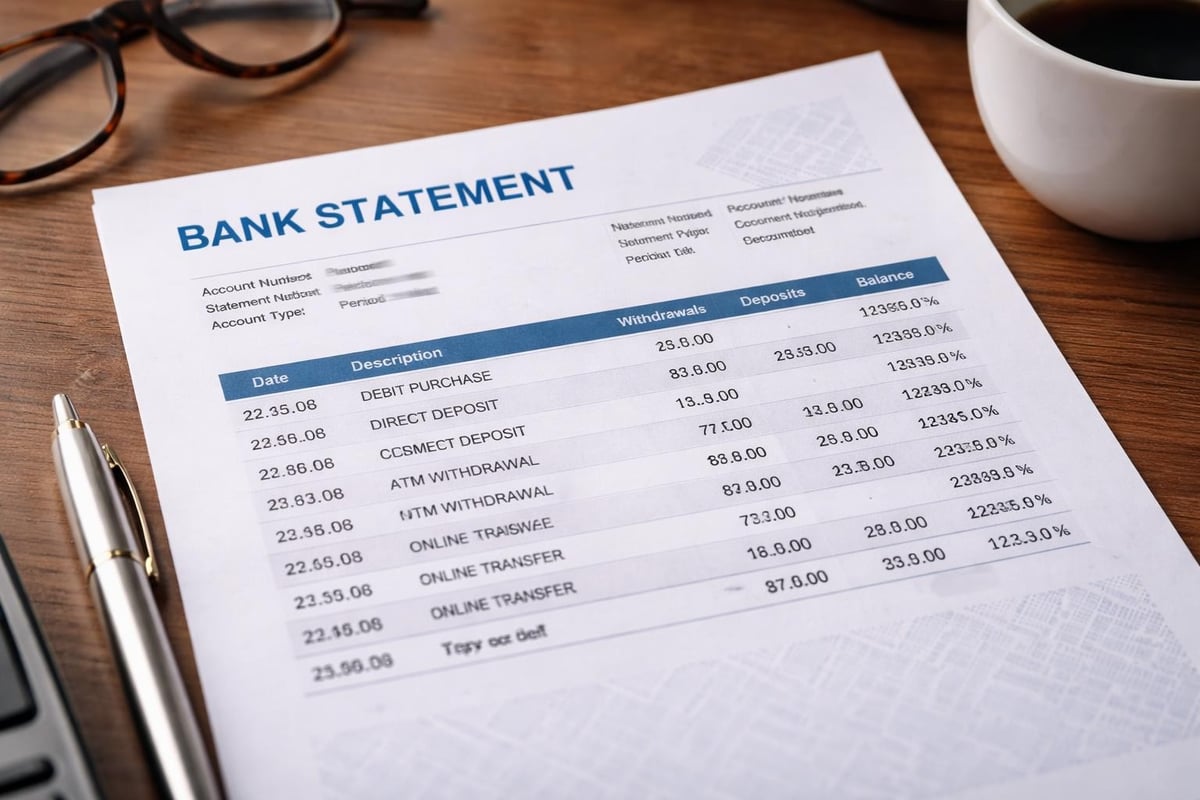
The typical bank statement pdf includes essential information such as account holder details, account numbers, transaction histories, beginning and ending balances, and interest calculations. Most statements follow a standardized structure, though each financial institution applies its own branding and layout preferences.
Why Banks Use PDF Format
Banks choose PDF as their primary distribution format for several compelling reasons:
- Universal compatibility across all devices and platforms
- Tamper-evident properties that help maintain document integrity
- Consistent visual presentation regardless of viewing software
- Ability to embed security features like digital signatures
- Compliance with regulatory requirements for financial documentation
- Reduced file sizes compared to image-based formats
The different bank statement formats each serve specific purposes, but PDFs excel at providing official, archival-quality documentation that satisfies both business and regulatory needs.
Converting Bank Statement PDFs to Usable Data
One of the most significant challenges businesses face involves extracting transaction data from bank statement pdf files for analysis and accounting purposes. Manual data entry consumes valuable time and introduces errors that can compromise financial accuracy.
Modern solutions leverage artificial intelligence to automate this conversion process. When you need to convert PDF bank statements to spreadsheet formats, AI-powered tools can recognize transaction patterns, categorize expenses, and structure data for seamless integration with accounting platforms like QuickBooks, Xero, and FreshBooks.
The Data Extraction Challenge
Financial institutions generate PDFs using various methods, creating inconsistencies that complicate data extraction:
| Generation Method | Characteristics | Extraction Difficulty |
|---|---|---|
| Text-based PDF | Selectable text, searchable | Low to Medium |
| Image-based PDF | Scanned documents, no text layer | High |
| Mixed Format | Combination of text and images | Medium to High |
| Encrypted PDF | Password-protected with restrictions | Variable |
The challenges in extracting bank statement data stem from these format variations, requiring sophisticated tools that can adapt to different layouts and structures. Advanced AI algorithms can now handle these variations with accuracy rates exceeding 99%, transforming previously manual processes into automated workflows.
Conversion Methods and Tools
Several approaches exist for converting bank statement pdf files into structured data:
- Manual transcription involves typing each transaction individually
- OCR software scans and recognizes text but often struggles with formatting
- Template-based extraction works only for consistent, predictable formats
- AI-powered conversion adapts to various layouts and learns from patterns
- Bank API integration provides direct data feeds when available
Each method offers different trade-offs between accuracy, speed, and implementation complexity. Businesses processing multiple statements monthly typically find that automated solutions deliver the best return on investment.
Security Considerations for Bank Statement PDFs
Financial documents contain sensitive information that requires robust protection measures. A bank statement pdf typically includes account numbers, transaction details, and personal identification data that could enable identity theft or fraud if compromised.
Password Protection and Encryption
Adding password protection to your bank statement pdf files creates an essential first line of defense. Modern PDF software allows you to protect bank statements with passwords and permissions, restricting who can view, edit, or print the documents.
Two types of passwords serve different purposes:
- User passwords (also called open passwords) require authentication to view the document
- Owner passwords (also called permissions passwords) restrict editing, copying, and printing
When implementing password protection, follow these best practices:
- Use strong, unique passwords combining letters, numbers, and symbols
- Avoid easily guessed passwords based on personal information
- Store passwords securely using password management tools
- Update passwords periodically, especially after sharing documents
- Use different passwords for different statement periods
Secure Sharing Methods
Transmitting bank statement pdf files requires careful consideration of security protocols. Securely sending bank statements involves multiple layers of protection beyond basic email attachments.
Professional approaches to secure sharing include:
- Encrypted email services that protect messages end-to-end
- Secure file transfer platforms with access controls and audit trails
- Cloud storage with permission settings limiting access to authorized users
- Two-factor authentication for accessing shared documents
- Temporary sharing links that expire after a set period

Before sharing any bank statement pdf, consider whether the recipient actually needs access to all the information contained within the document. Many situations require only partial information, making redaction a valuable security practice.
Redacting Sensitive Information
Redaction involves permanently removing sensitive data from documents before sharing. Unlike simply highlighting or covering information, proper redaction ensures that hidden data cannot be recovered from the file.
What Information to Redact
Different situations call for redacting different types of information from your bank statement pdf:
| Use Case | Information to Retain | Information to Redact |
|---|---|---|
| Proof of Address | Name, address, bank name | Account numbers, transaction details |
| Income Verification | Deposits, ending balance | Specific payees, account numbers |
| Expense Documentation | Specific transactions | Unrelated transactions, full account numbers |
| Loan Application | Balance history, deposits | Sensitive payee names, partial account info |
The process of redacting bank statements requires careful attention to ensure complete removal of sensitive data while maintaining document integrity. Professional redaction tools permanently remove the underlying data, not just visual layers that could be stripped away.
Redaction Best Practices
Effective redaction protects privacy while preserving document usefulness:
- Review the entire document before beginning redaction to identify all sensitive elements
- Use proper redaction tools rather than simply covering text with shapes
- Flatten the document after redaction to prevent removal of redaction layers
- Remove metadata that might contain hidden information about the document
- Verify the final output by attempting to search for or copy redacted information
- Maintain original copies separately from redacted versions for your records
When preparing bank statement PDFs for verification purposes, understanding exactly what information lenders, visa officers, or verification services require helps you redact appropriately without removing necessary details.
Organizing and Managing Bank Statement PDFs
Effective document management prevents lost files, ensures quick retrieval, and maintains compliance with record-keeping requirements. Most businesses and individuals should retain bank statement pdf files for at least seven years to satisfy tax and audit requirements.
Filing System Strategies
A well-structured filing system makes locating specific statements effortless:
- Hierarchical folders organized by year, then month, then account type
- Consistent naming conventions such as "2026-04_Checking_Chase.pdf"
- Cloud storage solutions enabling access from multiple locations
- Regular backup procedures protecting against data loss
- Version control when documents require updates or corrections
Digital organization offers significant advantages over paper filing systems, including searchability, unlimited storage capacity, and automated backup capabilities. However, maintaining disciplined naming and filing practices remains essential for maximizing these benefits.
Automation and Integration
Modern accounting workflows increasingly rely on automated processes for handling bank statement pdf files. Rather than manually downloading statements each month, businesses can implement systems that automatically retrieve, process, and categorize financial data.
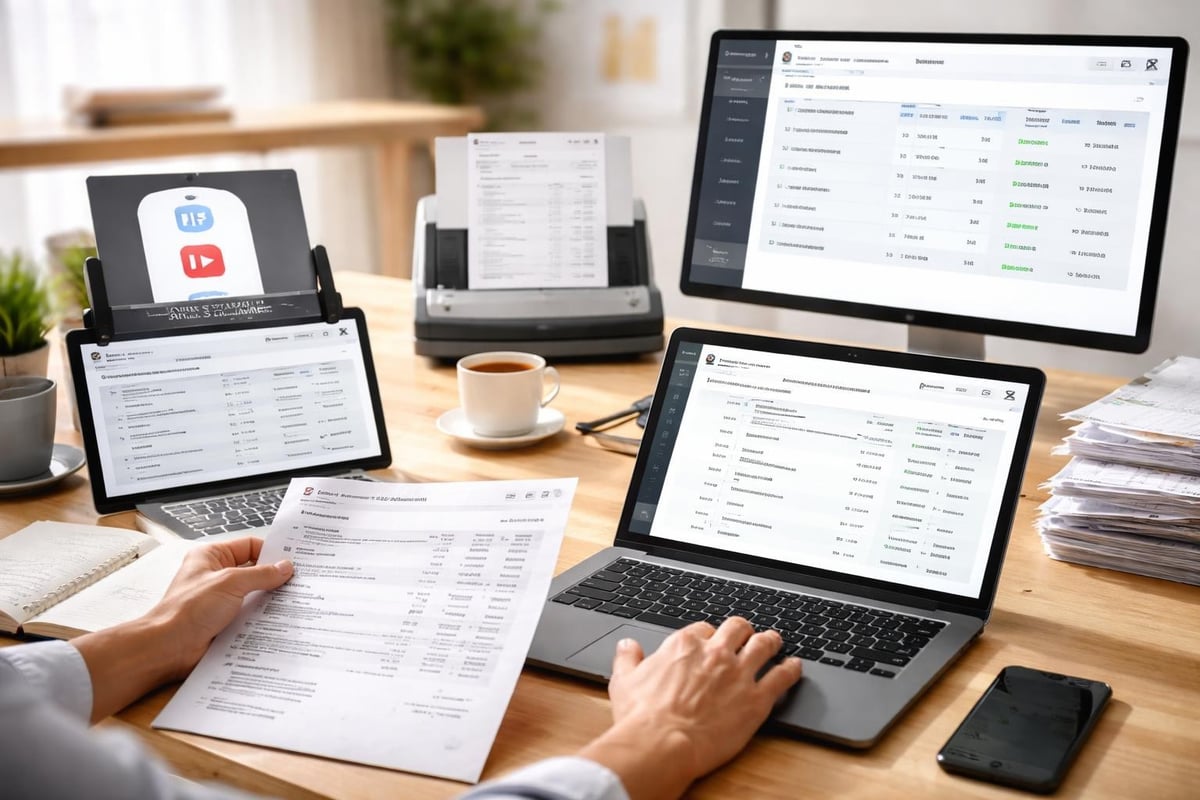
Integration between banking platforms and accounting software eliminates redundant data entry and reduces reconciliation time. When direct API connections aren't available or practical, AI-powered conversion tools bridge the gap by transforming PDF statements into importable formats.
A robust bank statement analyzer can process multiple statements simultaneously, categorize transactions according to your chart of accounts, and flag anomalies requiring attention. This automation particularly benefits businesses managing numerous accounts or processing high transaction volumes.
Common Issues and Troubleshooting
Working with bank statement pdf files occasionally presents technical challenges that disrupt workflows. Understanding common problems and their solutions helps maintain productivity.
File Accessibility Problems
Password-protected statements sometimes create access issues when passwords are lost or forgotten. While security measures protect sensitive information, they can also lock out legitimate users. Maintain a secure record of all passwords associated with financial documents, using encrypted password managers rather than text files or spreadsheets.
Some older PDF formats may not display correctly in modern software, particularly statements from banks that haven't updated their generation systems. Converting these files to current PDF standards often resolves compatibility issues without compromising the underlying data.
Extraction and Conversion Errors
Data extraction from bank statement pdf files can fail or produce inaccurate results for several reasons:
- Inconsistent formatting across different statement periods
- Low-quality scans that OCR software cannot accurately interpret
- Complex table structures that confuse parsing algorithms
- Embedded images rather than text for transaction details
- Custom fonts that extraction tools don't recognize
When encountering extraction errors, verify the source document quality first. Scanned statements may require image enhancement or re-scanning at higher resolution. For persistent issues, manual verification of converted data ensures accuracy, particularly for high-value transactions or critical financial periods.
Compliance and Record-Keeping Requirements
Regulatory frameworks governing financial documentation vary by jurisdiction and business type, but most share common themes regarding statement retention and accessibility. A bank statement pdf serves as legal documentation for tax purposes, audit trails, and financial disputes.
Retention Periods by Purpose
Different regulatory bodies and situations require varying retention periods:
- Tax purposes: Generally seven years from filing date
- Business loans: Duration of loan plus three years
- Legal disputes: Until statute of limitations expires
- Corporate governance: Varies by corporate structure and jurisdiction
- Personal finance: At least one year, preferably three to seven
Businesses operating in specialized financial sectors may face additional requirements based on industry regulations. Consulting with tax professionals and legal advisors ensures compliance with all applicable standards.
Audit Trail Maintenance
Maintaining comprehensive audit trails requires more than simply storing bank statement pdf files. Proper documentation includes:
- Original statements in unaltered format
- Conversion records showing when and how data was extracted
- Reconciliation documentation linking statements to accounting entries
- Access logs tracking who viewed or modified financial records
- Change history for any corrections or adjustments
Professional-grade document management systems provide these audit capabilities automatically, creating defensible records that satisfy regulatory scrutiny. Organizations subject to SOX compliance, financial services regulations, or government contracting requirements particularly benefit from robust audit trail functionality.
The security measures implemented by financial data processing services should match or exceed bank-level encryption and access controls, ensuring that sensitive information remains protected throughout its lifecycle.
Future Trends in Bank Statement Processing
The landscape of financial documentation continues evolving rapidly as technology advances and user expectations shift. Several trends are reshaping how we interact with bank statement pdf files and financial data.
Real-Time Financial Data
Traditional monthly statement cycles increasingly give way to real-time transaction visibility. While PDF statements remain important for official documentation and historical records, businesses now expect instant access to current financial positions.
This shift creates dual requirements: maintaining traditional bank statement pdf archives while also leveraging continuous data feeds for operational decision-making. Forward-thinking organizations integrate both approaches, using historical statements for compliance and verification while relying on real-time data for daily management.
Enhanced Automation and AI
Artificial intelligence capabilities for processing bank statement pdf files continue advancing, offering increasingly sophisticated features:
- Anomaly detection identifying unusual patterns or potential fraud
- Predictive categorization learning from historical patterns to improve accuracy
- Multi-format support handling diverse statement layouts automatically
- Cross-account reconciliation matching transactions across multiple institutions
- Smart data extraction understanding context to interpret ambiguous entries
These capabilities transform bank statements from passive records into active components of financial intelligence systems. Businesses leveraging these tools gain competitive advantages through faster insights and reduced administrative overhead.
Blockchain and Digital Verification
Emerging technologies promise to revolutionize financial documentation verification. Blockchain-based systems could enable instant authentication of bank statement pdf files without exposing sensitive transaction details. Digital signatures and timestamping create tamper-evident records that satisfy regulatory requirements while streamlining verification processes.
As these technologies mature, the role of traditional PDF statements may shift toward serving as human-readable summaries while machine-readable blockchain records provide the authoritative transaction history. This transition will likely occur gradually, with PDF statements remaining relevant for years to come.
Integration with Accounting Platforms
Connecting bank statement pdf data with accounting software eliminates duplicate data entry and ensures consistency across financial systems. Modern accounting platforms support various integration methods, each offering different benefits and implementation requirements.
Direct Bank Feeds vs. PDF Processing
Many accounting systems offer direct connections to financial institutions, automatically importing transaction data. However, these connections don't eliminate the need for bank statement pdf processing:
- Some banks don't support direct feeds for all account types
- Historical data often requires PDF conversion for system migration
- Backup verification of automated imports requires statement comparison
- Certain transactions need manual categorization regardless of import method
- Audits and compliance reviews require official PDF documentation
Understanding Xero bank integration options illustrates how modern platforms balance automated feeds with traditional statement processing capabilities.
Reconciliation Workflows
Effective reconciliation combines automated matching with manual oversight. Converting bank statement pdf files into structured data enables:
- Automatic matching of bank transactions to accounting entries
- Exception flagging for items requiring attention
- Balance verification confirming account accuracy
- Period closing with complete documentation
- Audit preparation with organized supporting documents
Streamlined reconciliation reduces month-end closing time from days to hours, freeing accounting teams for higher-value analysis activities.
Managing bank statement pdf files effectively requires balancing security, accessibility, and usability across various business functions. Whether you're securing sensitive information, extracting data for analysis, or maintaining compliance with retention requirements, the right tools and processes transform these documents from administrative burdens into valuable financial assets. Bank Statement Boss eliminates the tedious work of manual data entry by using AI technology to convert your PDF bank and credit card statements into spreadsheet formats with 99% accuracy, integrating seamlessly with your accounting platform while maintaining bank-level security throughout the process.