
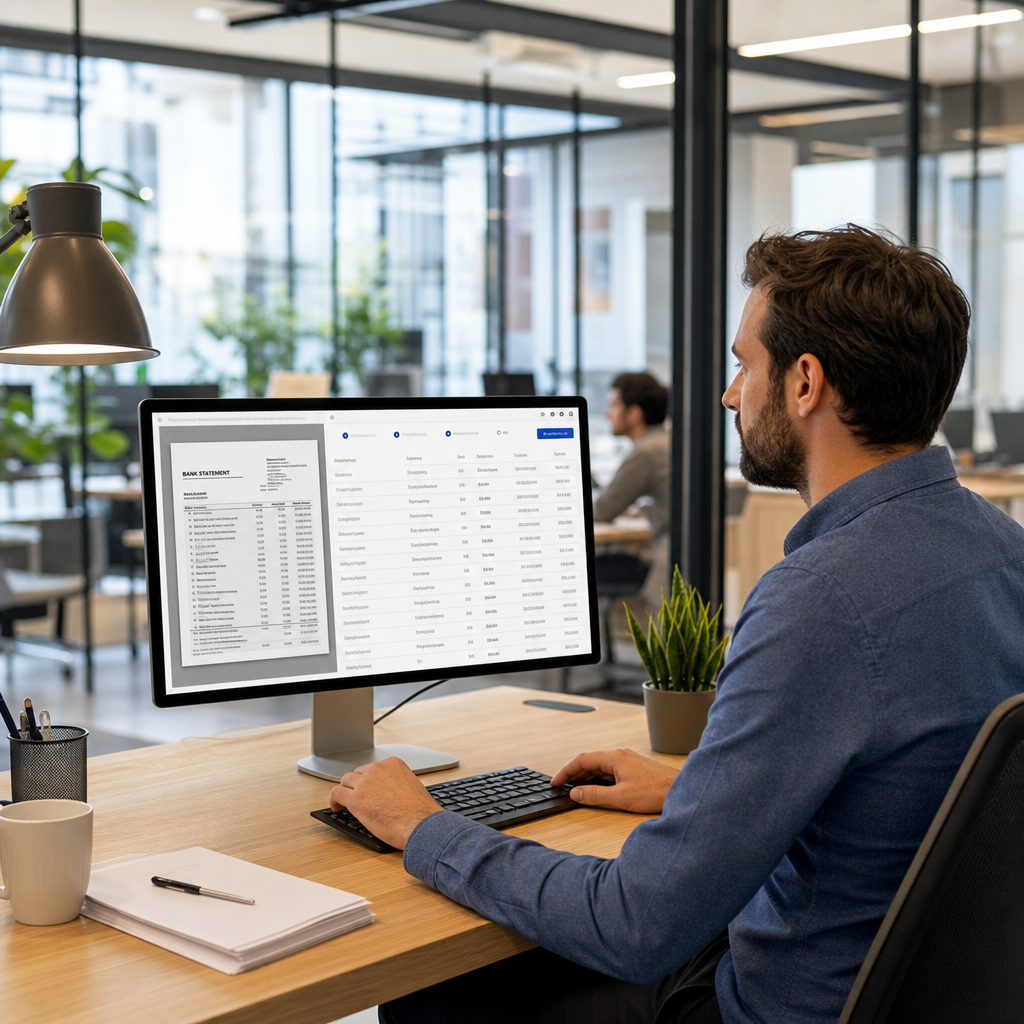
Manually retyping transactions from PDF bank statements is one of the last truly tedious tasks left in modern bookkeeping. For small business owners, freelance accountants, and finance teams juggling multiple clients, this repetitive work eats hours every week that could be spent on higher-value analysis. That's where bank statement OCR software comes in — technology that reads scanned or digital PDF statements and converts them into structured, editable data.
But not all OCR tools are created equal. Some are basic text scanners that struggle with multi-column layouts or low-quality scans. Others use advanced AI models trained specifically on financial documents, delivering near-perfect accuracy even with complex formatting. This article breaks down the eight features that distinguish genuinely useful bank statement OCR software from tools that create more cleanup work than they save.
1. Accurate Recognition of Financial Document Layouts
Generic OCR engines are built to read general text — invoices, contracts, forms. Bank statements are different. They contain dense tables, recurring column headers, multi-line transaction descriptions, and varying date formats depending on the bank. The best bank statement OCR software is trained specifically on financial document structures, meaning it recognizes:
- Transaction date, description, and amount columns even when spacing is inconsistent
- Debit and credit distinctions across different bank formatting conventions
- Running balance columns that shift position between statement templates
- Multi-page statements where headers repeat but data flows continuously
Software that lacks this specialization often misreads decimal points, merges multi-line descriptions incorrectly, or drops transactions near page breaks. According to NIST's guidance on OCR accuracy, document-specific training significantly improves recognition rates compared to general-purpose engines, which is why purpose-built tools consistently outperform off-the-shelf alternatives for financial use cases.
2. Support for Multiple Bank Formats and File Types
A freelance bookkeeper working with a dozen clients might see statements from five or six different banks in a single week, each with its own layout quirks. Quality OCR software should handle:
- Scanned PDFs (image-based, requiring true optical character recognition)
- Digitally generated PDFs (text-based, extractable without visual scanning)
- Multi-currency statements for businesses with international accounts
- Credit card statements alongside standard checking and savings statements
- Password-protected PDFs commonly issued by banks for security
If a tool only handles one of these categories well, you'll end up maintaining a patchwork of manual workarounds. Bank Statement Boss is built to process both scanned and digital PDFs from major banks worldwide, which removes the need to sort files by type before uploading.
3. Clean Export Into Accounting-Ready Formats
Extracting data is only half the job — it needs to land in a format your accounting software can actually use. This is where many OCR tools fall short: they dump raw text into a spreadsheet without mapping columns correctly, leaving users to manually reformat everything anyway.
Look for software that exports directly into formats compatible with:
| Accounting Platform | Common Import Format | Typical Use Case |
|---|---|---|
| QuickBooks | CSV / QBO | Small business bookkeeping |
| Xero | CSV | Cloud-based accounting for SMBs |
| Sage | CSV / OFX | Mid-size business finance teams |
| Excel/Google Sheets | XLSX / CSV | Manual review and custom reporting |
Bank Statement Boss formats output specifically for these platforms, so bookkeepers can import transactions without reshaping columns or renaming headers. This kind of direct compatibility is often the single biggest time-saver compared to tools that only produce generic CSV dumps.
4. Data Security and Compliance Standards
Bank statements contain sensitive financial information — account numbers, balances, transaction histories. Any OCR software handling this data must meet serious security expectations. Before adopting a tool, verify:
- Whether files are encrypted in transit and at rest
- Data retention policies (are files deleted after processing?)
- Compliance with standards like SOC 2 or GDPR where applicable
- Whether the vendor undergoes third-party security audits
Security-conscious providers often partner with specialized firms to validate their infrastructure. For example, some SaaS vendors work with independent auditing partners such as nexussecurityserviceses.com to verify that data handling practices meet industry expectations before deployment. This kind of external validation adds a layer of trust beyond a vendor's own claims.
For general best practices on protecting financial data online, the Federal Trade Commission's data security guidance is a useful reference point for evaluating any SaaS vendor handling sensitive documents.
5. Speed and Batch Processing Capability
For a solo bookkeeper, converting one statement manually might take twenty to thirty minutes depending on transaction volume. Multiply that across dozens of clients and months of statements, and the time cost becomes enormous. Strong OCR software should offer:
- Batch upload of multiple statements simultaneously
- Processing speeds measured in seconds per document, not minutes
- Queue management for large volumes (useful for accounting firms with many clients)
- Consistent performance regardless of file size or page count
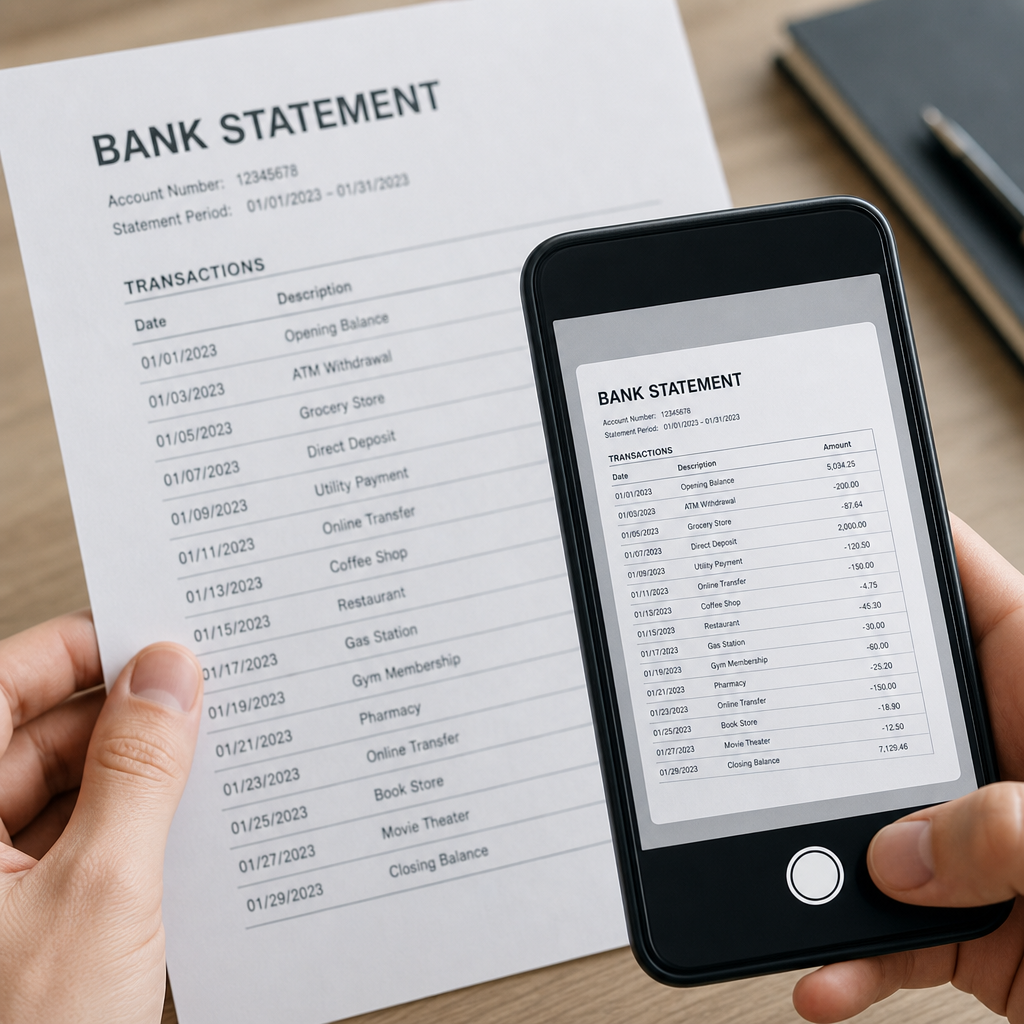
The table below illustrates the rough time difference between manual entry and OCR-based conversion for a mid-sized batch of statements:
| Task | Manual Entry | OCR Software |
|---|---|---|
| Single 3-page statement | 20–30 minutes | Under 1 minute |
| 10 statements (batch) | 4–5 hours | 5–10 minutes |
| Monthly close for 15 clients | 2–3 full workdays | Half a day or less |
These numbers vary by transaction volume and formatting complexity, but the directional difference is consistent across most bookkeeping workflows.
6. Accuracy Validation and Error Correction Tools
Even the most advanced AI models occasionally misread a smudged number or an unusual date format. What separates dependable software from risky software is how it handles those edge cases. Look for:
- Confidence scoring that flags uncertain extractions for manual review
- Side-by-side view of the original PDF and extracted data for quick verification
- Easy inline editing before export, rather than requiring a full re-upload
- Audit trails showing what was changed and when
This matters especially for accountants who have compliance obligations. The American Institute of CPAs has published guidance emphasizing that automation tools used in financial workflows should include verifiable audit trails, not just raw automation. Software without any review step can introduce errors that go unnoticed until reconciliation fails weeks later.
7. API Access and Workflow Integration
For finance teams processing statements at scale, or software companies building statement-reading capability into their own product, API access matters more than a polished user interface. A well-documented API allows:
- Automated statement ingestion directly from email or cloud storage
- Programmatic export into internal accounting systems without manual downloads
- Integration with existing document management pipelines
- Custom triggers, such as automatically flagging statements with unusual transaction patterns
Bank Statement Boss offers API access on its higher-tier plans specifically for this reason — many bookkeeping firms and finance teams want to plug statement conversion directly into their existing software stack rather than using a standalone web interface for every file. This is particularly valuable for firms processing hundreds of statements monthly across multiple clients, where manual uploads become their own bottleneck.

8. Transparent, Scalable Pricing
Pricing structures for OCR software vary widely, and understanding what you're actually paying for prevents unpleasant surprises. Common pricing models include:
- Per-page or per-document pricing — straightforward but can scale unpredictably with volume
- Monthly subscription tiers — often based on number of pages or statements processed
- Free tiers with limited volume — useful for testing accuracy before committing
- Enterprise/API pricing — typically custom-quoted based on usage volume
| Pricing Model | Best For | Watch Out For |
|---|---|---|
| Free tier | Testing accuracy, occasional use | Low monthly page limits |
| Monthly subscription | Regular bookkeeping workloads | Overage fees for extra pages |
| Per-document | Infrequent, seasonal use | Costs add up fast at scale |
| API/Enterprise | High-volume firms, software integrations | Requires technical setup |
A transparent vendor will clearly state page limits, overage costs, and what happens if you exceed your plan — without requiring a sales call just to see a price sheet.
Why OCR Alone Isn't Enough
It's worth noting that "OCR" as a standalone technology just reads text from images. The real value in a modern tool comes from combining OCR with structured data parsing — understanding that a string of numbers is a transaction amount, not just a number, and that a particular line of text is a merchant description tied to a specific date. This is why AI-enhanced platforms consistently outperform basic OCR utilities: they don't just "read" the statement, they understand its structure.
Standards bodies like the International Organization for Standardization have published frameworks around document digitization accuracy, and financial-specific applications benefit significantly from models trained on that exact use case rather than generic text extraction. This distinction is why some free or low-cost OCR tools produce messy output — they weren't built with bank statement structure in mind.
Common Mistakes When Evaluating OCR Software
Before choosing a tool, it helps to know where buyers commonly go wrong:
- Testing with only clean, high-quality PDFs — real client statements are often scanned, skewed, or low resolution. Test with your messiest sample files, not your best ones.
- Ignoring export compatibility — a tool that extracts data perfectly but exports it in a format incompatible with QuickBooks or Xero just creates a new manual step.
- Overlooking data retention policies — some vendors store uploaded files indefinitely unless you check their policy.
- Choosing based on price alone — the cheapest plan often has strict page limits or lacks batch processing, costing more time than it saves.
- Skipping the trial period — most reputable vendors offer some form of trial; use it with real statements before committing to an annual plan.
Avoiding these pitfalls up front saves significant frustration later, especially once a tool is already integrated into a monthly workflow.
How to Test Bank Statement OCR Software Before Committing
A short evaluation process can save months of frustration. Consider this simple checklist when trialing a new tool:
- Upload at least three different bank formats, including one scanned (not digital) PDF
- Check whether debit/credit columns are correctly distinguished
- Verify that multi-line transaction descriptions aren't split incorrectly
- Export a sample file directly into your accounting software and confirm it imports cleanly
- Review the vendor's security and data retention documentation
- Confirm customer support responsiveness by asking a specific technical question
Running through this checklist with two or three competing tools, rather than committing to the first one you try, gives a much clearer picture of real-world performance versus marketing claims.
Bringing It All Together
Choosing the right bank statement OCR software comes down to matching the tool's capabilities to your actual workflow. A solo bookkeeper handling a handful of clients has different needs than a finance team processing hundreds of statements monthly through an API. What matters across the board is accuracy, clean export formatting, strong security practices, and pricing that scales sensibly with your volume.
Bank Statement Boss was built around these exact priorities — accurate extraction from both scanned and digital PDFs, export formatting tailored for QuickBooks, Xero, and Sage, secure handling of sensitive financial data, and API access for teams that need deeper integration. Rather than treating statement conversion as an afterthought, it's designed as a dedicated solution for the specific structure and complexity of financial documents.
For small business owners, bookkeepers, and finance teams looking to eliminate hours of manual data entry each month, Bank Statement Boss offers a practical, secure, and accounting-ready path from PDF statement to structured spreadsheet — without the formatting headaches that come with generic OCR tools.
Article written by FrontRank